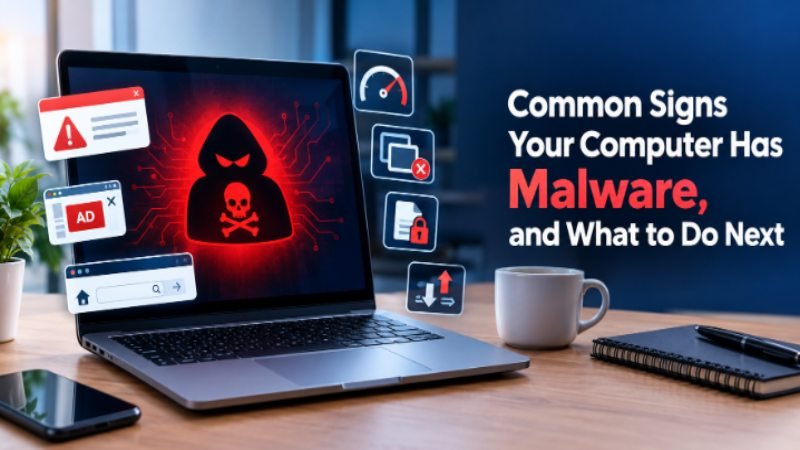
If your computer has slowed down, shows random pop-ups, or programs open on their own, these are common signs your computer has malware. Run a full antivirus scan, disconnect from the internet, and update your operating system right away.
Key Takeaways
- Sudden slowness, crashes, and overheating are early signs your computer has malware
- Unwanted pop-ups, new browser toolbars, or a changed homepage often point to adware or a hijacked browser
- Programs opening on their own, disappearing files, or a spike in data usage are stronger warning signs
- A full antivirus scan combined with Windows Defender Offline scan catches most infections
- Acting fast lowers the risk of data theft or the malware spreading further
Most computers show at least one warning sign before things get worse. I have walked friends and family through this exact situation more times than I can count, and the pattern is almost always the same. The machine slows down first, then small annoyances start piling up, and by the time someone reaches out for help, several signs your computer has malware were already there for days.
What Are the Common Signs Your Computer Has Malware
The most common signs your computer has malware include sudden slowness, frequent crashes, unexpected pop-ups, and programs launching without you opening them. These symptoms show up because malware runs in the background, using memory and processing power that your system needs for normal tasks.
Not every slow computer has malware. Old hardware, too many startup programs, or a full hard drive can cause similar symptoms. The difference is that malware symptoms tend to appear suddenly and get worse over a short period, rather than building up gradually over months.
Your Computer Has Become Noticeably Slower
A sudden drop in speed is one of the first things people notice. Programs take longer to open, the system lags during simple tasks, and even typing feels delayed at times.
This happens because malware often runs hidden processes in the background. Check Task Manager for unfamiliar processes using high CPU or memory, especially ones you do not recognize by name.
Random Pop-Ups and Ads Appear Constantly
If pop-up ads show up even when your browser is closed, adware is a likely cause. This is one of the more obvious signs your computer has malware since it interrupts normal use directly.
Some of these pop-ups mimic real security warnings to trick you into clicking. Never click on a pop-up claiming your computer is infected unless it comes from your actual installed antivirus program.
Your Browser Homepage or Search Engine Changed on Its Own
Browser hijacking is common with malware bundled inside free software downloads. You might notice a new homepage, an unfamiliar search engine, or toolbars you never installed.
Check your browser extensions list first. Remove anything you do not recognize, then reset the browser homepage and default search engine manually.
Programs Open, Close, or Crash Without Warning
Software opening on its own, or crashing repeatedly for no clear reason, points to something interfering with normal system operations. This is different from a single app crashing once, which usually just needs an update.
Pay attention if this happens across multiple unrelated programs at the same time. That pattern usually means a deeper system issue rather than one buggy app.
Files Are Missing, Renamed, or Encrypted
Some malware types, particularly ransomware, target your files directly. You might find documents renamed with strange extensions, folders that will not open, or files missing entirely.
| Malware Type | Common Symptom | Typical Target |
| Adware | Constant pop-ups | Browser and ads |
| Spyware | Slower system, odd network activity | Personal data |
| Ransomware | Encrypted or renamed files | Documents and photos |
| Trojan | Programs opening unexpectedly | System processes |
| Worm | High network and disk usage | Network spread |
Your Internet Usage or Data Spikes Unexpectedly
A sudden jump in data usage, even when you are not downloading or streaming anything, often means malware is sending information from your device without your knowledge.
Check your router or ISP data dashboard for unusual spikes. Compare it against your normal monthly pattern to see how far off it is.
What to Do Next if You Notice These Signs
If you notice these signs your computer has malware, follow these steps in order.
- Disconnect from the internet to stop data from being sent out
- Run a full scan using Windows Defender or your installed antivirus. If you are not sure how, follow this step-by-step malware check guide first.
- Run Microsoft Defender Offline scan for deeper detection
- Uninstall any unfamiliar programs from Settings
- Update Windows and all installed software
- Change your important passwords from a different, clean device
- Restore from a backup if files were encrypted or damaged
According to Microsoft, keeping Windows and security software updated remains one of the most effective ways to reduce malware risk on a computer.
FAQs
How do I know for sure if my computer has malware?
Run a full scan using Windows Defender or a trusted antivirus program. Combine this with a check of Task Manager for unfamiliar high-usage processes to confirm the signs you are seeing.
Can malware hide from antivirus software?
Some advanced malware can hide temporarily, which is why a Windows Defender Offline scan helps, since it scans before Windows fully loads. Keeping your antivirus definitions updated reduces this risk significantly.
Does a factory reset remove all malware in 2026?
A factory reset removes most malware types since it wipes the drive, but always back up important files to an external source first, not to cloud storage that could sync infected files.
Why does my computer fan run loudly for no reason?
Loud fan noise often means high background CPU usage, which malware can cause. Check Task Manager for processes consuming unusual resources even when you are not running heavy programs.
Can malware affect my phone the same way as my computer?
Yes, phones can show similar signs that your computer has malware, including battery drain, unexpected pop-ups, and apps you did not install. The detection and removal steps differ slightly by device.

Lucas is a writer at Magazine Outstanders, with 3 years of experience covering business, technology, health, and lifestyle topics. He specializes in turning complex ideas into clear, well-researched, and engaging articles that keep readers informed and inspired. Driven by curiosity and a passion for storytelling, Lucas strives to deliver content that is accurate, valuable, and easy to connect with.